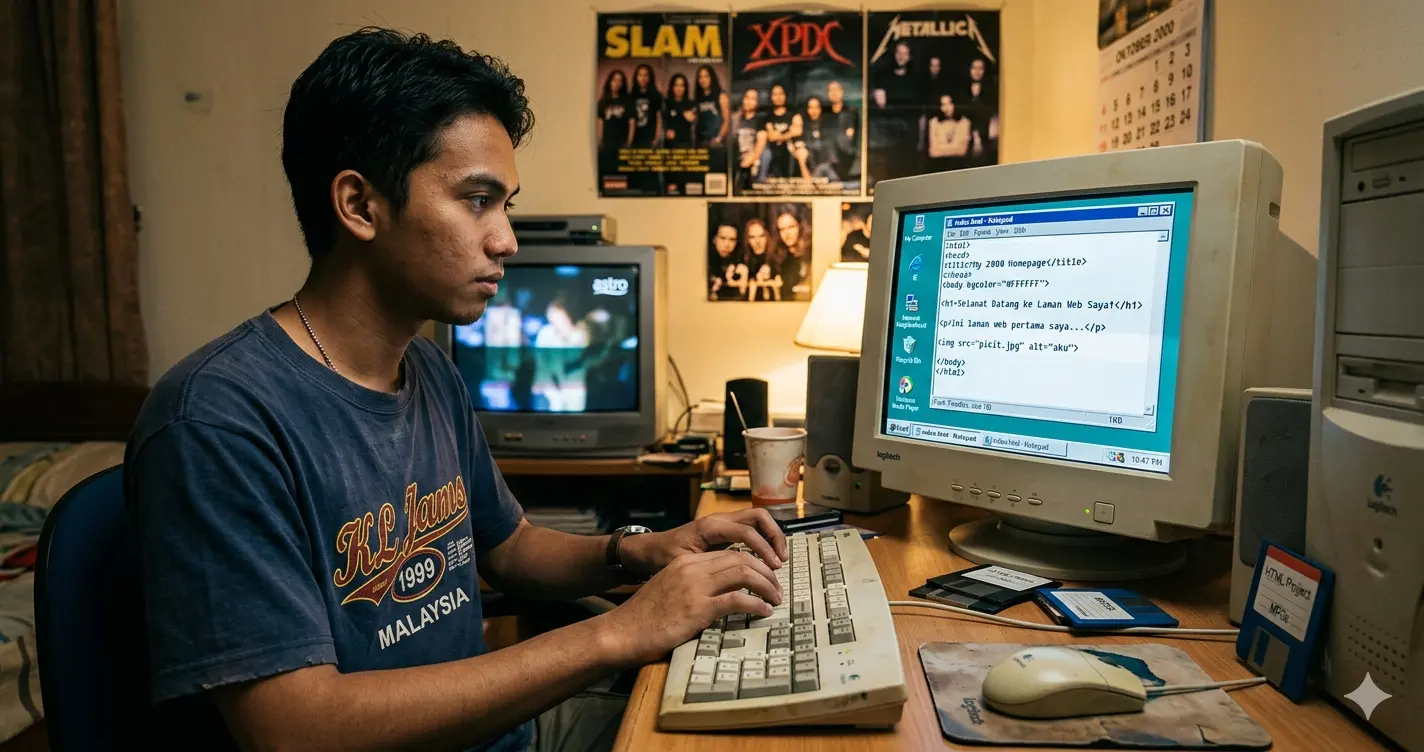
Learned Web Design: If Part 1 was about a kid squinting at a black-and-white Notepad screen, typing HTML tags from memory and hoping something would show up in Internet Explorer — Part 2 is about that same kid discovering there were actual tools built for this.
And honestly? It felt like I had been cutting the grass with a pair of scissors my whole life, and someone just handed me a lawnmower.
Enter Microsoft FrontPage — My First "Real" Tool
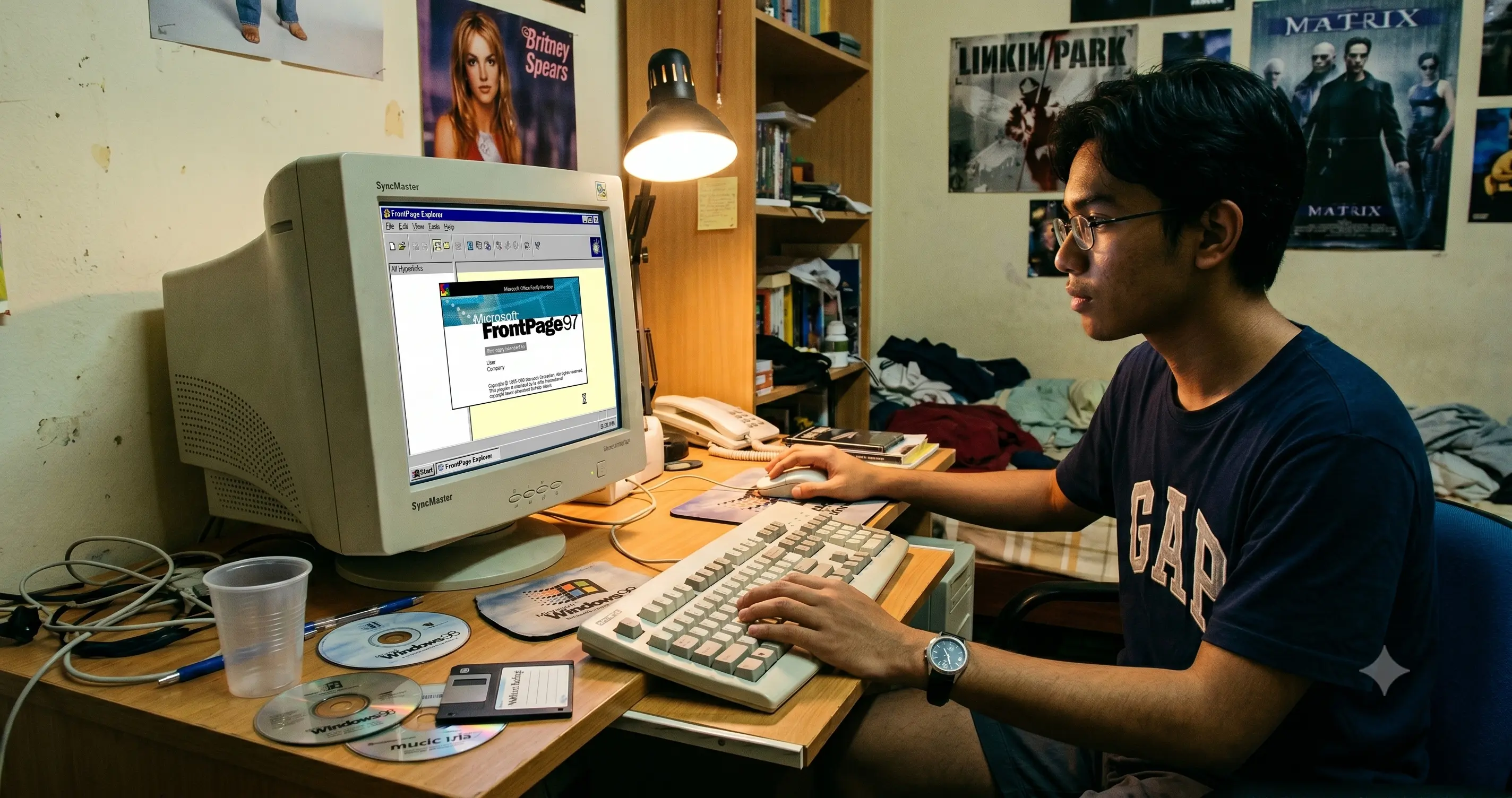
Somewhere around 2001, I got my hands on Microsoft FrontPage.
For those who didn't grow up in that era, FrontPage was Microsoft's answer to web design. It had a visual interface — what people called WYSIWYG, which stands for "What You See Is What You Get." Basically, you could drag things around on screen, and the HTML would be generated for you behind the scenes.
To me, at that point in time, it felt like science fiction.
I still remember opening it for the first time and just... clicking around. Moving a text box here. Inserting an image there. Changing the background colour without having to remember the hex code. It was almost suspicious how easy it felt compared to raw Notepad.
But here's the thing — and this is something I'll never forget — FrontPage had a dirty secret.
The HTML it generated was terrible. I mean genuinely awful. Bloated, messy, full of proprietary Microsoft tags that only worked properly in Internet Explorer. If you opened a FrontPage-built page in Netscape Navigator — the other major browser back then — it would sometimes look completely broken. Tables everywhere. Nested tags that made no logical sense. Code that looked like it was written by someone who had never actually seen a webpage.
So I did something most beginners probably wouldn't bother doing: I kept switching between the visual mode and the code view. I'd build something visually, then flip to the code, read what FrontPage had generated, and try to understand why it wrote it that way. Then I'd manually clean it up.
Looking back, that habit — reading the code behind the thing, not just using the surface — was probably one of the best instincts I ever developed.
Then Came Dreamweaver. And Everything Changed.
A little later, I discovered Macromedia Dreamweaver.
If FrontPage was a lawnmower, Dreamweaver was a full landscaping crew with professional equipment and a blueprint. It was in a completely different league.
Dreamweaver was built by the same people behind Flash — Macromedia — and you could tell it was made by people who actually understood how the web worked. The code it generated was clean. The interface was thoughtful. And most importantly, it respected you as someone who wanted to understand what was happening under the hood, not just point and click.
It had a split view — visual on one side, code on the other — and they updated in sync. You move an element visually, the code updates. You type in the code, the visual updates. For someone like me who had already been bouncing between design and code, this felt like the tool was designed specifically for how my brain worked.
I got deep into Dreamweaver. Templates, libraries, site management, layers, CSS integration. I wasn't just building pages anymore — I was building sites.
And somewhere in there, I started to feel something I hadn't quite felt before.
I started feeling like I actually knew what I was doing.
The "Pro" Feeling — And Why It's Dangerous
There's a specific kind of confidence that comes when you've learned enough to build things that impress people around you, but not quite enough to know how much you still don't know.
I call it the "pro feeling." And I had it in full force around this period.
I was building websites that looked genuinely decent. Friends and classmates would see them and ask how I did it. I could answer their questions. I knew the terminology. I could open Dreamweaver and produce something that resembled a real website in an afternoon.
In a room full of people who were still figuring out how to attach a file to an email, I looked like a wizard.
The problem with the "pro feeling" is that it can make you stop pushing. Why learn more when what you already know is already impressive to everyone around you? Why go deeper when the surface is working just fine?
Fortunately, my curiosity never quite let me settle. There was always something just ahead that I didn't understand yet — some behaviour I couldn't explain, some effect I didn't know how to recreate, some limitation in the tool that made me want to find a workaround. And every time I chased one of those things, I ended up learning something that FrontPage and Dreamweaver could never have taught me on their own.
The Real Lesson From This Era
What FrontPage and Dreamweaver actually gave me wasn't just better tools. They gave me context.
When you've written HTML by hand in Notepad, and then you see a tool generate that same HTML visually, you understand the relationship between the two. You're not just a user of the software — you understand what the software is doing. That understanding is worth more than any shortcut or feature the tool could offer.
I've seen people who learned web design entirely through visual tools and never touched the underlying code. They can produce things quickly, but the moment something breaks or behaves unexpectedly, they're lost. They have no map of the territory underneath.
Because I started with Notepad, I always had that map. And Dreamweaver just helped me move faster across terrain I already understood.
Closing: Part 2
By the time I was comfortable with Dreamweaver, I had come a long way from that hostel room with Windows 98 and a blinking cursor in Notepad. I had real tools, growing skills, and enough confidence to start taking on small projects.
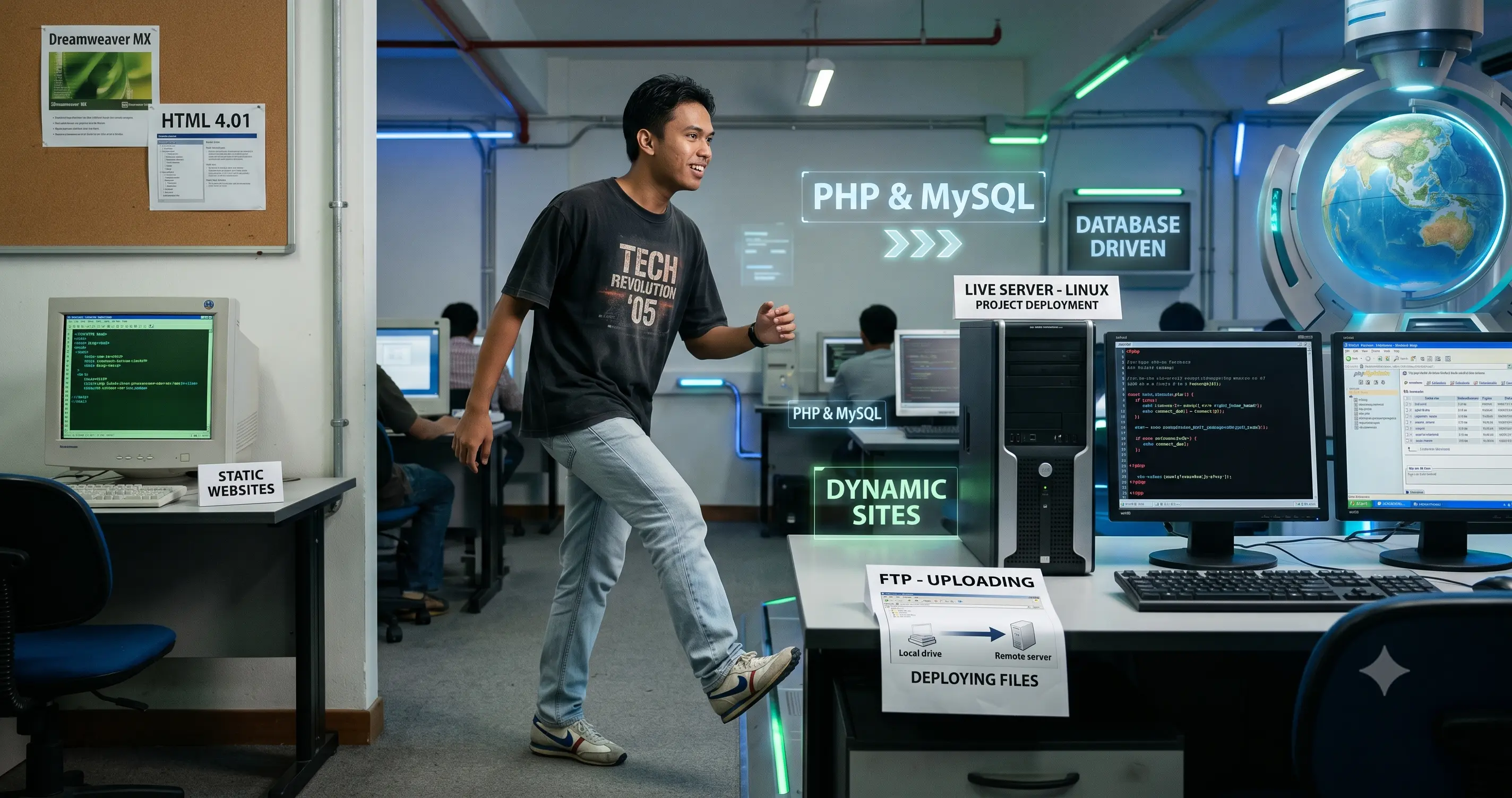
But the real leap was still ahead. Because HTML and CSS and Flash and visual editors — all of that was still, in many ways, just the presentation layer. Pretty surfaces. Static pages.
The internet was evolving fast. Websites were no longer just brochures you put online. They were becoming dynamic. Interactive. Data-driven.
And that meant one thing: it was time to learn how to make things that actually did something.
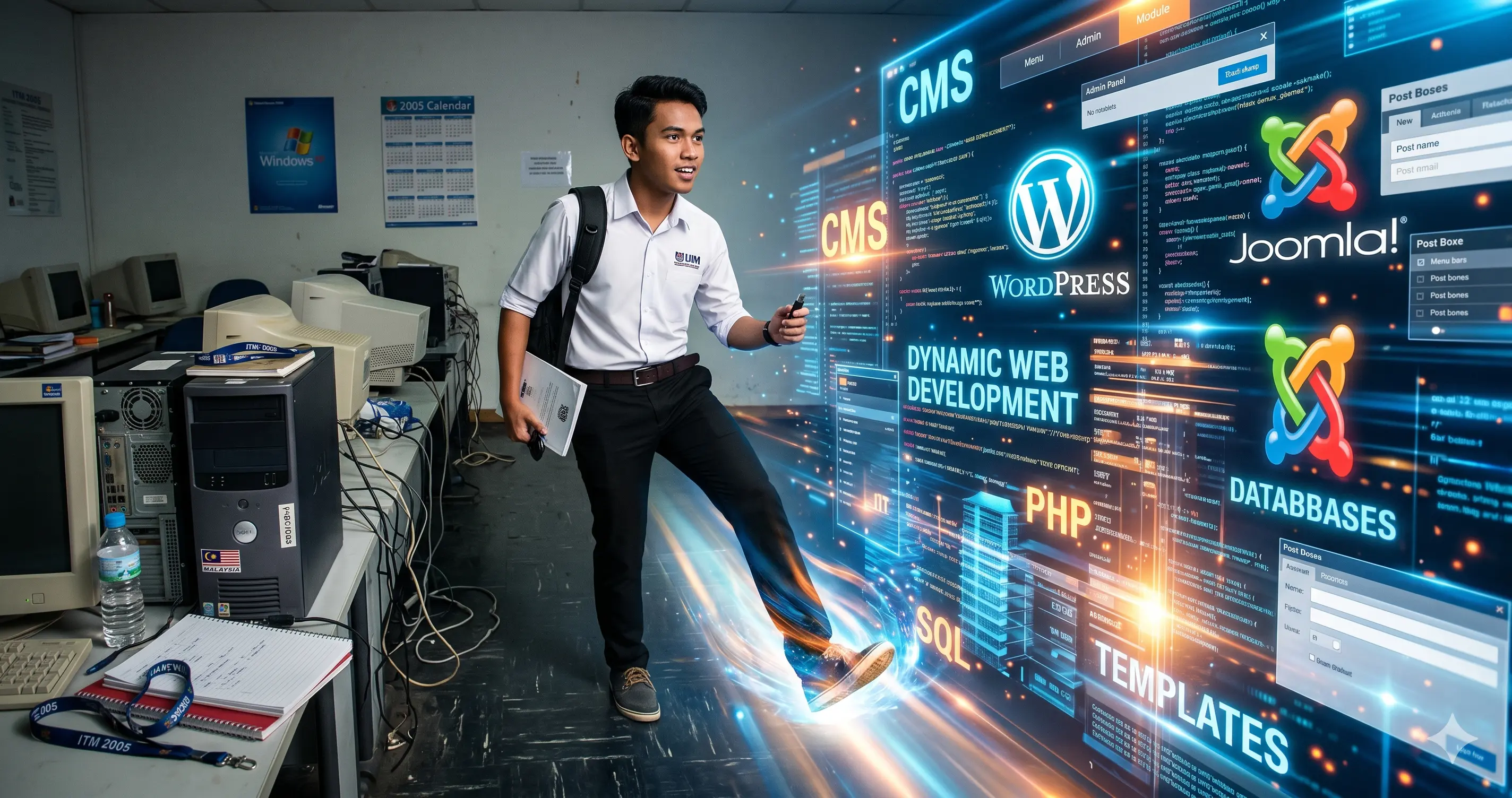
PHP and MySQL were waiting.
Wahyudin Aziz | Career Journey Series
#TechJourney #WebDevelopment #Coding #Malaysia #PersonalBranding